Hospitality — Guest Wi-Fi
Copper Cup
- Client
- Copper Cup Cafés
- Location
- Austin, 3 locations
- Scope
- Guest portal · tills · 3 sites
Overview
Wi-Fi worth staying for
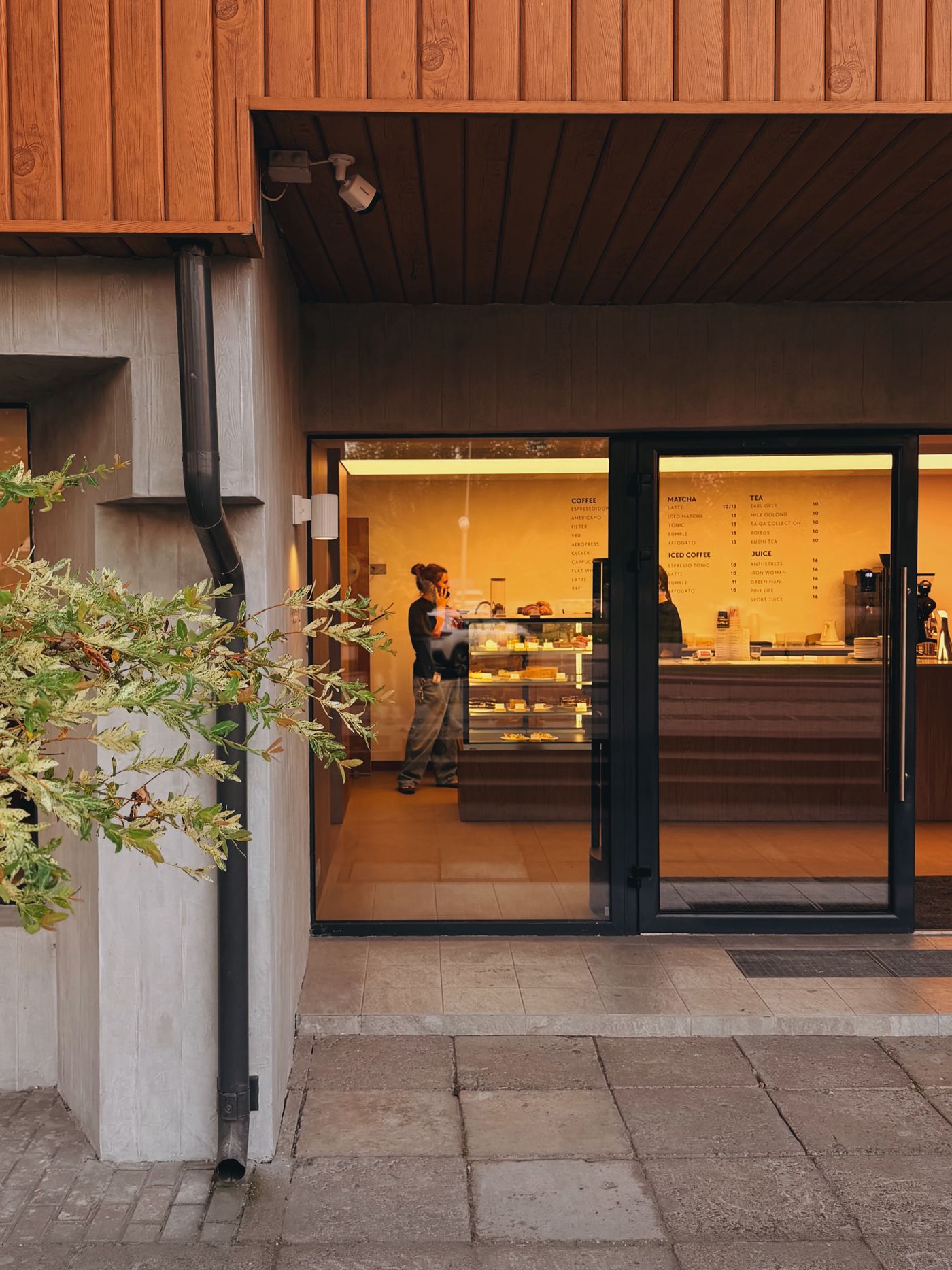
Copper Cup’s cafés double as coworking spots — laptops at every table by 9am. But the Wi-Fi password was on a chalkboard, one streamer could stall the tills, and staff card readers shared the same network as customers.
We gave all three locations branded one-tap guest login, fair-use bandwidth limits and fully separated staff systems — installed between close and open, three nights running.
Challenge
Laptops vs. card readers
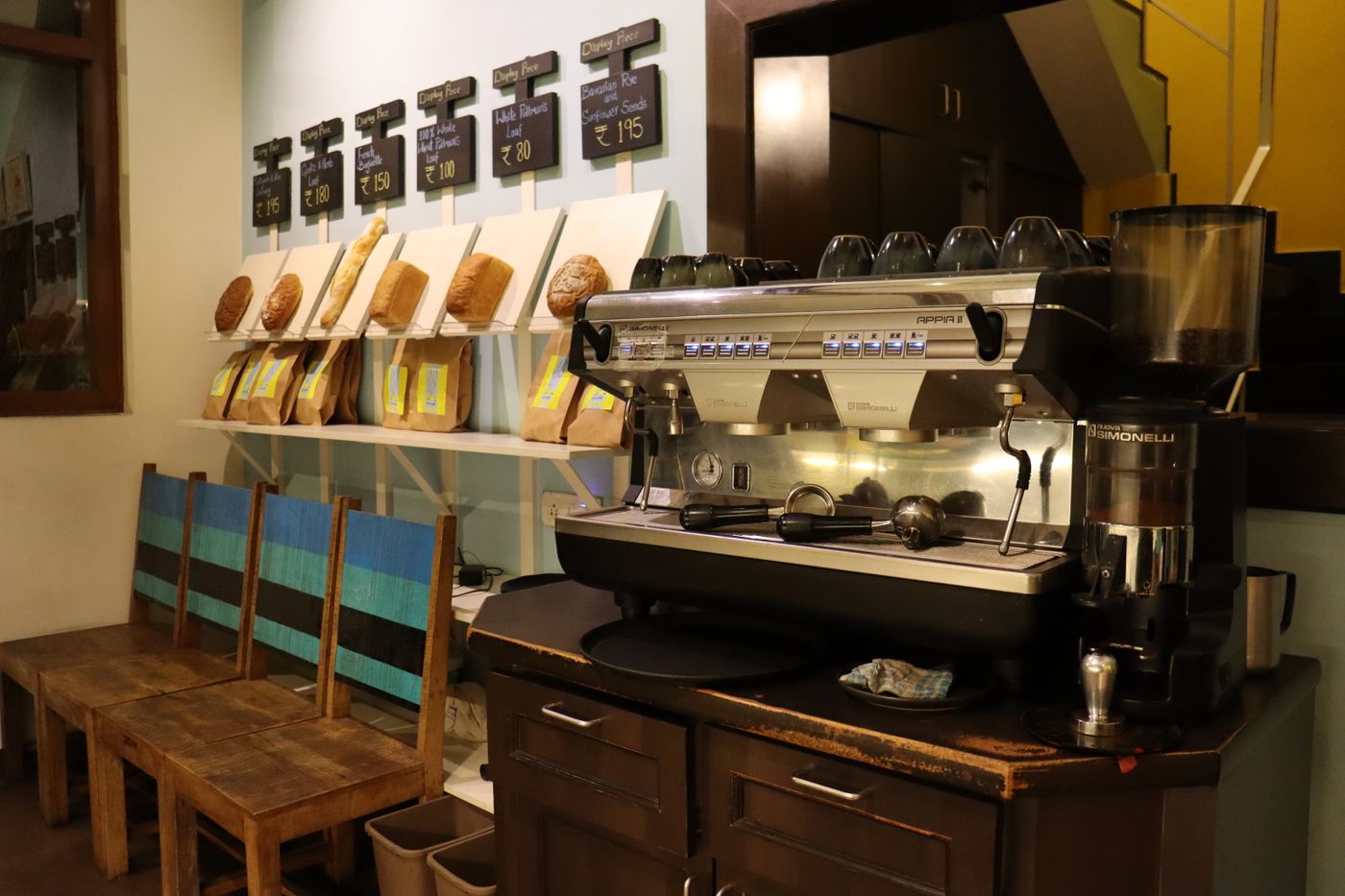
Morning rush means fifty devices fighting for airtime while card payments must never wait. The fix had to prioritise tills invisibly, keep login friction near zero for guests, and look the same across three very different room shapes.
Approach
Three nights, three cafés
- 01 — After-close installs: new APs and firewall rules in, old gear out, tested by morning.
- 02 — Branded splash page with one-tap login — no chalkboard password anymore.
- 03 — Per-device bandwidth caps keep video calls smooth without hogging.
- 04 — Tills and staff devices moved to a hidden, prioritised network.
Outcome
Guests stay longer; tills never wait
One-tap login
Branded portal identical in all three cafés; no passwords to ask for.
Fair airtime
Per-device limits end the era of one laptop slowing the whole room.
Payments protected
Card readers and staff systems fully separated from guest traffic.
Related work
Guests asking for the Wi-Fi password?
A branded portal and proper segmentation take one night per site.